In today’s digital world, your content only gets one chance to grab attention. Whether you’re posting on YouTube, running a blog, or creating social media posts, the thumbnail is often the first thing people see. This is where thumbnail AI comes in.
Thumbnail AI tools use artificial intelligence to design eye-catching thumbnails automatically. Instead of spending hours editing images, you can now generate professional designs in seconds. In this guide, I’ll explain everything you need to know about thumbnail AI—how it works, its features, benefits, and the best tools available.
What is Thumbnail AI
Thumbnail AI is a type of AI-powered tool that automatically creates thumbnails for videos, blogs, or social media posts.
These tools analyze your content and generate designs based on:
- Colors that attract clicks
- Human psychology (faces, emotions)
- Trending thumbnail styles
- Platform requirements (like YouTube size)
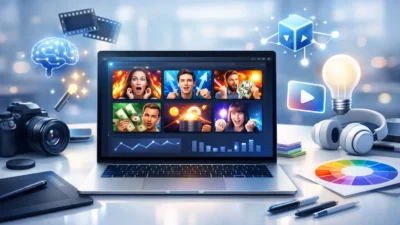
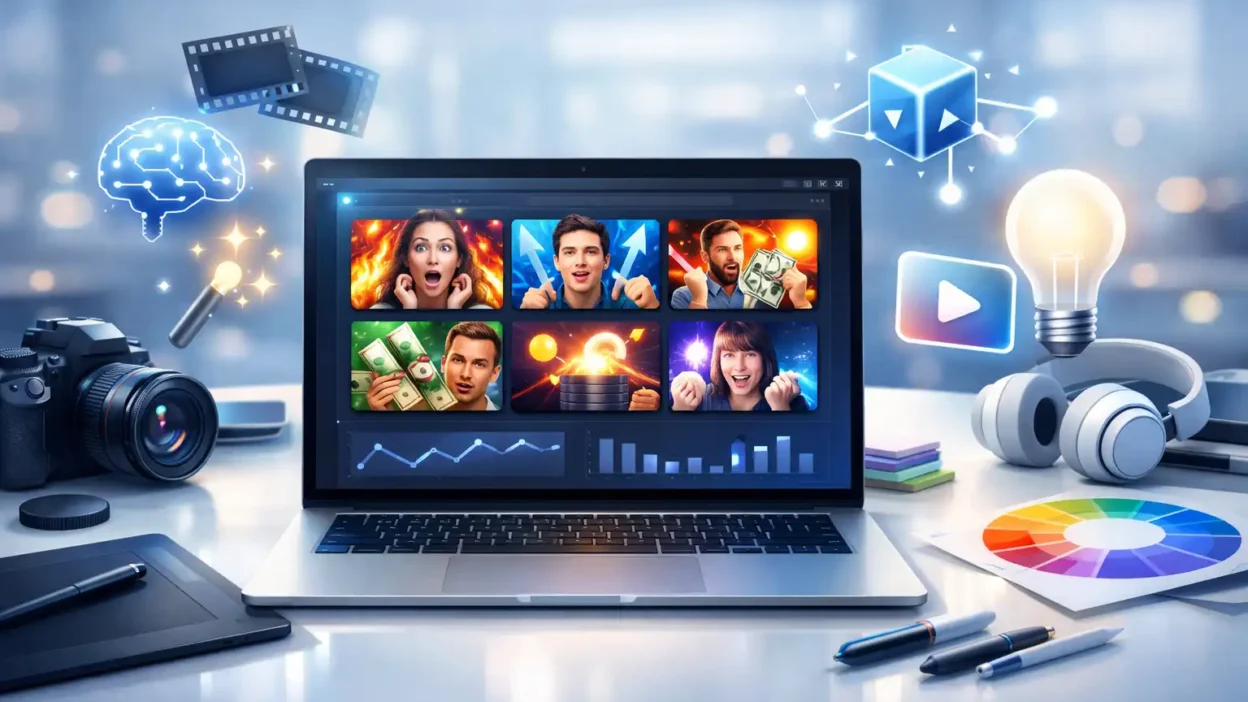
For example, if you upload a video about “how to make money online,” the AI can suggest a thumbnail with bold colors, a surprised face, and text-like design elements (without you designing it manually).
In simple terms, thumbnail AI saves time and increases click-through rate (CTR).
Features of Thumbnail AI
Modern thumbnail AI tools are packed with powerful features. Here are the most useful ones:
1. Automatic Design Generation
You just enter your topic or upload an image, and the AI creates multiple thumbnail options instantly.
2. Smart Color Selection
AI chooses colors that attract attention and match your content niche.
3. Face Detection & Emotion Boost
Thumbnails with faces perform better. AI can enhance expressions to make them more engaging.
4. Background Removal
Remove unwanted backgrounds automatically without using complex software.
5. Template Suggestions
AI suggests trending styles used by popular creators.
6. Text Optimization
Some tools recommend short, powerful words for thumbnails.
7. Platform Optimization
It automatically adjusts size and layout for:
- YouTube (1280×720)
- Facebook ads
How to Use Thumbnail AI
Using thumbnail AI is very simple, even if you are a beginner.
Step-by-Step Guide
- Choose a Thumbnail AI Tool
Examples: Canva AI, Thumbnail Blaster, or other AI design tools. - Upload Your Image or Video Frame
You can also start from scratch. - Enter Your Topic or Title
For example: “YouTube Growth Tips” - Select Style or Theme
Bright, minimal, gaming, business, etc. - Let AI Generate Designs
The AI will create multiple options. - Customize (Optional)
Change colors, add elements, or adjust layout. - Download Your Thumbnail
Use it directly on your platform.
👉 Pro Tip: Always test 2–3 thumbnails to see which gets more clicks.
Best Alternatives of Thumbnail AI
If you want to explore more tools, here are some popular alternatives:
1. Canva AI
- Beginner-friendly
- Drag-and-drop editor
- AI-powered design suggestions
2. Adobe Express
- Professional designs
- Advanced customization
- AI templates
3. Fotor AI
- Fast thumbnail generation
- Easy editing tools
4. Snappa
- Simple interface
- Ready-made templates
5. Thumbnail Blaster
- Specifically made for YouTubers
- AI-driven thumbnail creation
👉 Each tool has its own strengths. Choose based on your needs (beginner vs professional).
Pros and Cons of Thumbnail AI
Like any tool, thumbnail AI has advantages and limitations.
Pros
- Saves time (minutes instead of hours)
- No design skills needed
- Generates multiple ideas quickly
- Improves click-through rate
- Beginner-friendly
Cons
- Limited customization in some tools
- Designs can look similar if overused
- Premium tools can be expensive
- AI may not fully match your brand style
👉 Expert Tip: Use AI as a starting point, then customize for better branding.
Is Thumbnail AI Free or Paid?
Thumbnail AI tools come in both free and paid versions.
Free Plans
- Basic templates
- Limited downloads
- Watermarks (sometimes)
Paid Plans
- High-quality exports
- Advanced AI features
- More templates
- No watermark
👉 If you’re serious about content creation, a paid plan is usually worth it.
FAQs About Thumbnail AI
1. Can thumbnail AI increase YouTube views?
Yes. A good thumbnail improves CTR (click-through rate), which can increase views significantly.
2. Do I need design skills to use thumbnail AI?
No. Most tools are beginner-friendly and require zero design experience.
3. What is the best thumbnail size for YouTube?
1280 × 720 pixels is recommended.
4. Are AI-generated thumbnails unique?
Yes, but similar styles can appear if many users use the same tool. Customize them for uniqueness.
5. Which is the best thumbnail AI tool?
Canva AI is great for beginners, while Thumbnail Blaster is good for YouTubers.
Conclusion
Thumbnail AI is changing the way creators design visuals. Instead of spending hours on editing software, you can now generate professional thumbnails in seconds.
However, the key is not just using AI—but using it smartly. Combine AI suggestions with your creativity, test different designs, and always focus on what attracts your audience.
If used correctly, thumbnail AI can significantly boost your clicks, views, and overall content performance.

I’m Elijah, the mind behind Punsboxx.com. As a true Pun Master, I love twisting words into clever laughs and serving fresh humor that never goes out of style!